
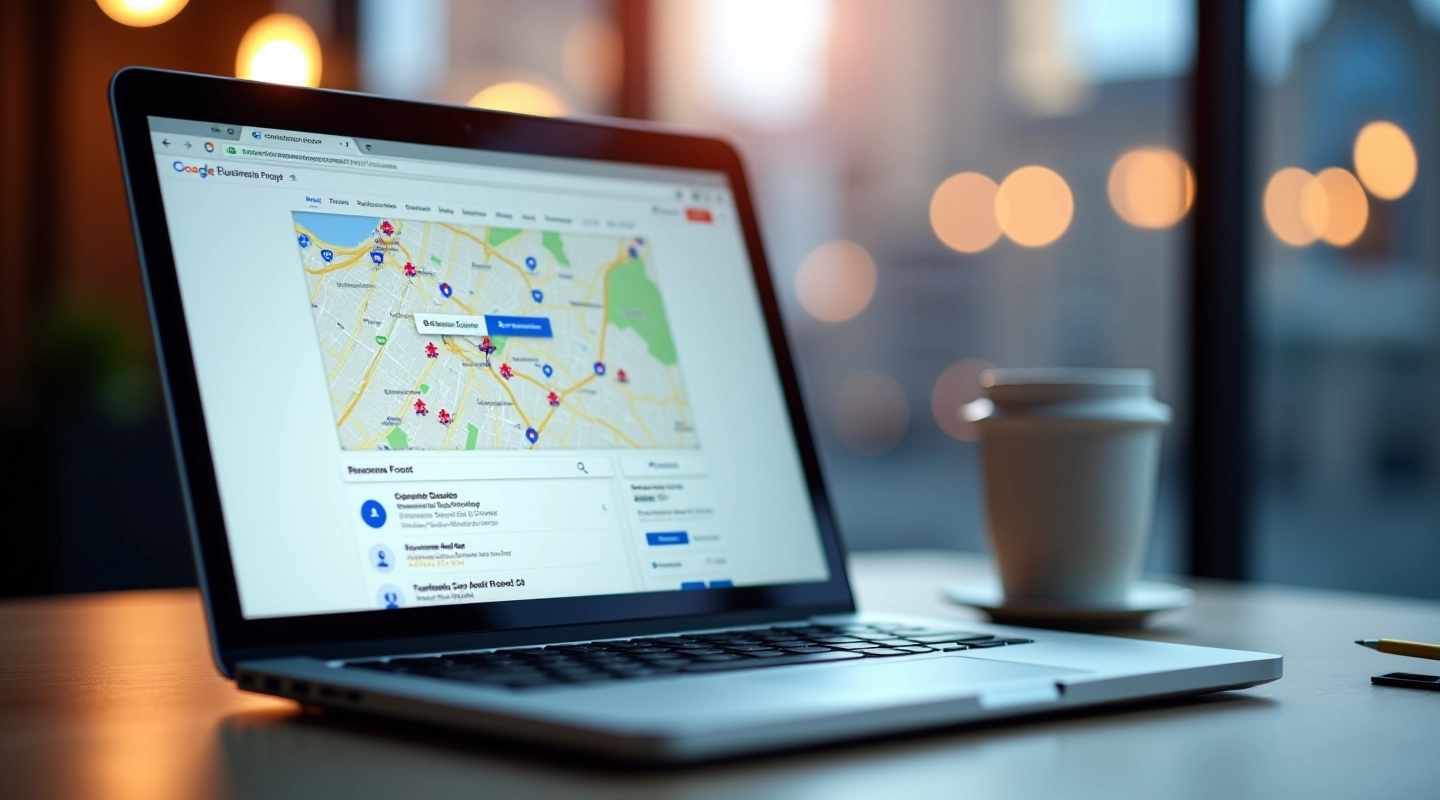
How to Set Up Your Google Business Profile Correctly
Complete walkthrough of setting up and optimizing your GBP. We cover the essentials that actually matter for ranking.
How to encourage genuine customer reviews naturally. Includes templates and timing strategies that don't feel pushy or awkward.

Let's be honest — asking for reviews feels awkward. You don't want to come across as desperate or pushy. But here's the thing: reviews are one of the biggest ranking factors in Google's local algorithm. Without them, you're essentially invisible to people searching for your business in Montreal.
The good news? You don't need to beg. There's a natural way to encourage reviews that feels genuine and keeps your customers happy. It's about timing, placement, and knowing exactly what to ask.
Average rating impact on decision-making
Of consumers trust reviews as much as recommendations
Ranking factor for local search visibility
Timing is everything. You don't ask for a review when someone's frustrated or mid-transaction. You ask when they're most satisfied — usually right after they've experienced your best work.
For service-based businesses, that's immediately after delivery. For retail, it's after checkout. For restaurants, it's while they're still at the table, enjoying their meal. The emotional high from a positive experience is your window.
Pro tip: Send your review request within 24 hours. Any longer and the memory fades. Any sooner and they haven't had time to fully experience what you offer.

Results vary depending on many factors including your industry, location, competition level, and how consistently you implement these strategies. No specific outcomes are guaranteed. Reviews are just one piece of the local SEO puzzle.

You've got three main channels. Each works differently depending on your business type and customer base.
If you have customer phone numbers, text works best. It's personal, immediate, and feels less formal. Keep it short and include a direct link to your Google Business Profile review page.
Email is great for B2B or when you're building a relationship. It's less intrusive than text and gives you more space to explain. You can include context about what you did and why their feedback matters.
If you see customers face-to-face, a quick verbal ask works surprisingly well. Show them on your phone where to leave the review. Takes 30 seconds, gets much higher response rates than passive requests.
Here's what actually works. We've tested these with service businesses, retailers, and restaurants across Montreal. Pick the one that fits your vibe and customize it.
"Hey! Just wanted to check in — how'd everything go with the work we did? If you've got a sec, we'd really appreciate a quick review on Google. Just search for [Your Business Name] and look for the review button. Thanks!"
"Thanks so much for coming in today! We really appreciate your business. If you enjoyed your experience, we'd love if you could leave a quick review — it helps us stay on Google maps and means a lot to us. Here's the link: [direct review link]"
"Hi [Name], Thanks for choosing us for [what you did]. We want to make sure everything met your expectations. When you have a moment, we'd really value your feedback on Google — it helps other people in Montreal find us. [Link to review]"

Getting a few reviews is great. But you want consistent growth. That means building systems so asking becomes automatic — part of how you do business.
Print QR codes that link directly to your review page. Put them on receipts, invoices, business cards. Don't make people search — they won't.
Your goal: make review requests part of your normal customer interaction. After every transaction, in every email, on your receipt. It's not pushy if it's just... normal.
This is huge. When you respond, Google sees it as active business management. It signals to people that you care. Plus, your responses get indexed by Google too.
Milestone emails, thank-you notes, anniversary messages. These aren't salesy — they're genuine touchpoints where a review request feels natural and welcome.
Reviews aren't about vanity. They're about visibility. When you've got genuine reviews consistently coming in, Google knows you're a real, active business with real customers. That trust gets reflected in your map pack ranking.
You don't need hundreds of reviews to compete. You just need consistent growth. Start with the timing strategy — ask within 24 hours when people are happiest. Pick one template that feels natural. Build it into your normal workflow.
The businesses that dominate local search aren't using secret tactics. They're just consistent about the fundamentals. Reviews are one of those fundamentals. Do this right, and you'll notice the difference in your Google Business Profile within 2-3 months.
Reviews are just the beginning. Learn the other factors that control your map pack ranking.
Read: Map Pack Ranking Strategies
Editorial Team
Written by the LocalRank Montreal editorial team, focused on practical, transparent guidance for local SEO and Google Business Profile optimization.
Complete walkthrough of setting up and optimizing your GBP. We cover the essentials that actually matter for ranking.
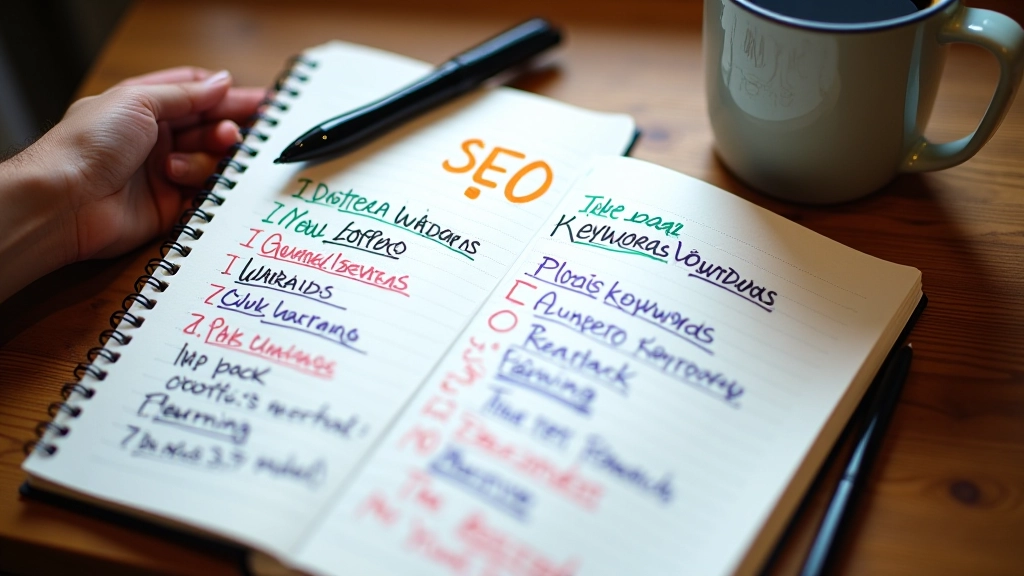
Finding the right keywords people actually search for in your neighborhood. Includes real Montreal examples.
The three ranking factors that matter most for map pack placement. We'll show you what actually moves the needle.