
Local Keyword Research for Montreal Businesses
Finding the right keywords people actually search for in your neighborhood. Includes research tools and practical techniques.
Complete walkthrough of setting up and optimizing your GBP. We cover the essentials that most businesses get wrong on their first try.
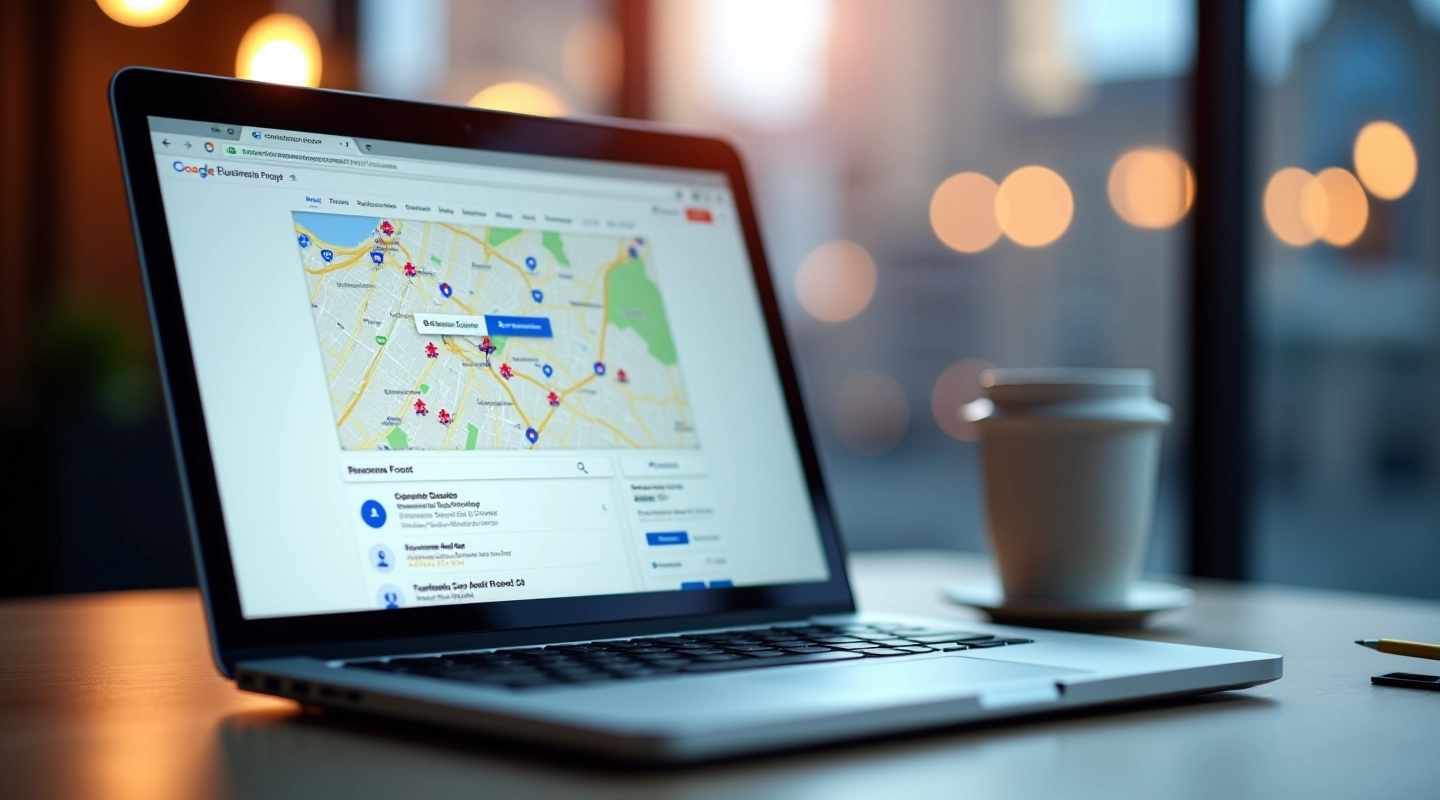
Your Google Business Profile is often the first impression potential customers get. It's not just a listing — it's your storefront on Google Maps and local search results. When you get it right, you'll show up where people are actually looking. When you get it wrong? You're basically invisible to the customers searching for exactly what you offer.
Most businesses rush through setup. They fill in the basics and call it done. But that's where mistakes happen. You'll miss categories that could bring in more visibility, skip information that builds trust, or leave out the details that make customers choose you over competitors. We're going to walk you through the real setup process — the one that actually works.

Here's what you need to do from start to finish. We'll keep it practical and avoid the fluff.
If your business doesn't already have a profile, you'll need to create one. Go to Google Business Profile (google.com/business) and search for your business. If it exists, claim it. If not, you'll create a new one. You'll need your business address, phone number, and website. This part takes about 10 minutes. Don't skip it or use a fake address — Google will verify this information.

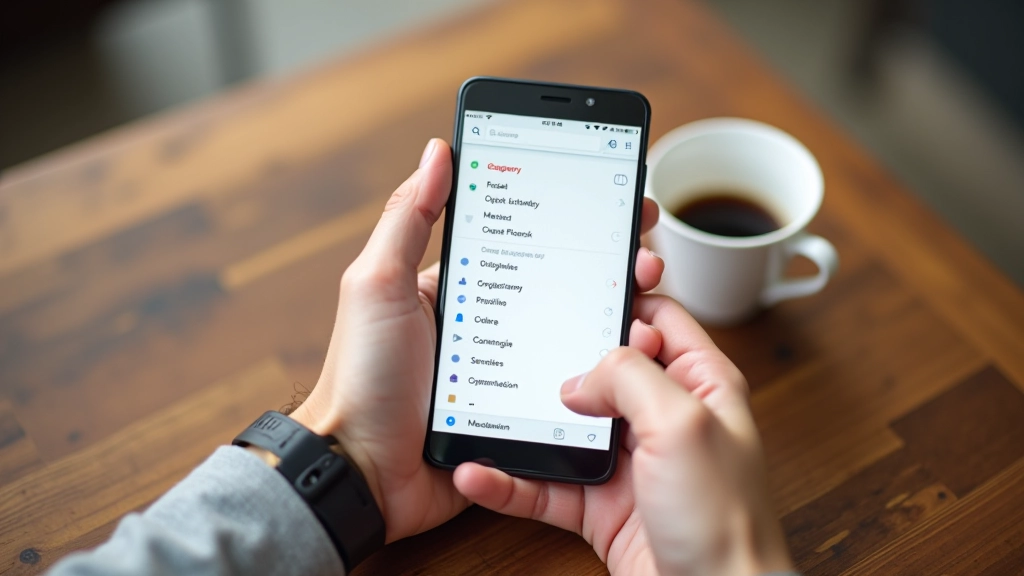
This is where most businesses mess up. You get to choose your primary category and up to 9 additional ones. Pick the category that best matches what you do. If you're a plumber, don't just say "service provider" — choose "plumber." Add related categories too. A plumbing company might also add "water heater installation" or "drain cleaning service." These categories help Google understand what you do and show your profile to people searching for those specific services. Spend time here. Get it right.
Important: Results vary depending on many factors like your location, industry, and local competition. No specific outcomes are guaranteed. Setting up your profile correctly is foundational, but it's just one part of a broader local SEO strategy.
Now you're getting into the meat of it. You've got a profile created. You've picked categories. What's next is filling in everything else. Your business description needs to be specific. Don't write "We provide excellent service." Instead, write something like "Local plumbing services for residential and commercial properties in Montreal. Same-day appointments available." That tells people what you do and what makes you different.
Add your hours. Be accurate. If you're open Monday through Friday, 8am to 6pm, write that down. Add service areas if you're a mobile business. Upload high-quality photos — at least 10 to start. Show your team, your workspace, your work in progress. People want to see who they're dealing with. Not just your logo repeated. Real photos build trust.
Add your website link. Make sure it works and it's the right one. Verify your phone number. Add a service area if you don't have a physical storefront. All of this takes maybe 30-45 minutes, but you're doing the work that 80% of businesses skip.


Setup isn't a one-time thing. You'll need to maintain it. Post updates every couple of weeks — photos of your latest projects, announcements about services, seasonal updates. This keeps your profile active and tells Google you're a real, operating business. When customers see recent activity, they trust you more.
Respond to reviews. All of them. Not just the five-star ones. When someone leaves a review — good or bad — respond professionally. It takes two minutes and shows potential customers you care about feedback. This is one of the highest-impact things you can do. Businesses that respond to reviews get more clicks and more calls.
Monitor your insights. Google gives you data on how people found you, what they searched for, what they clicked. Check it monthly. You'll learn what's working and what isn't. That information shapes everything else you do with local SEO.
Before you consider your profile complete, run through this checklist. You should be able to check off every item.

Written by
Editorial Team
Written by the LocalRank Montreal editorial team, focused on practical, transparent guidance for local SEO and Google Business Profile optimization.
Explore more guides on local SEO and Google Business optimization.
Finding the right keywords people actually search for in your neighborhood. Includes research tools and practical techniques.
The three ranking factors that matter most for map pack placement. We'll show you what actually moves the needle.

How to encourage genuine customer reviews naturally. Includes templates and timing strategies that actually work.